Galaxy Enhance X
A & M series commercialization VI
2024

Galaxy Enhance X (2024)
Animations and motion graphics for :
Icons
Buttons
Onboarding video
Transitions
Loaders
Sliders
Furthermore,
My work also involved :
Ideation for improving the UX of this app,
Performing thorough user testing to find even the smallest issue with the app, checking for bugs, errors or flaws
Collaborating with in house engineers to rectify bugs and to create the best UX and best possible version of the app as much as possible
Samsung’s test bed app to test waters with features and innovation
Leading the visual interaction, animations and motion graphics
Learnings :
Deep understanding about material design choices across major OEMs in conventional space and in XR Space
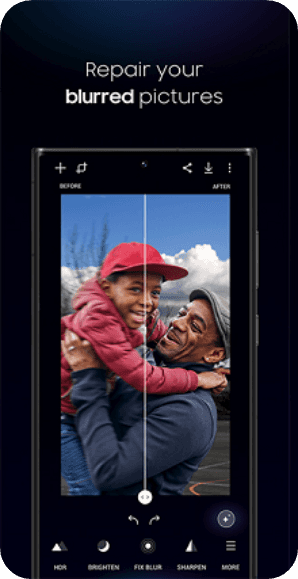
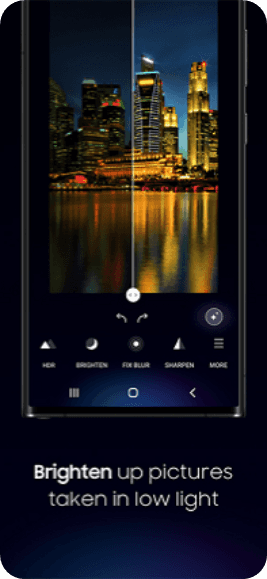
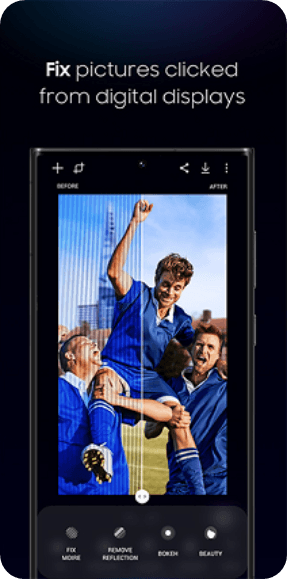
2 Problem statement that was primarily targeted
1 : Onboarding users to the best features of the app, Reminding returning users about new features + Best features?
2 : The size of app with all its feature is large, how can we let users download a personalised version of the app?
Galaxy Enhance X as a UX Design example
User study - Quick research about our users - Persona building
The Galaxy Enhance-X app, designed for Samsung phone owners, offers an effortless way to enhance photos using advanced AI.
Casual Photographers:
They enjoy taking photos but lack extensive editing knowledge or confidence.
Enhance X simplifies the process by automatically improving images.
Mostly adjusting shadows, sharpness, or HDR levels, casual photographers can achieve better results effortlessly.
Busy Individuals:
People with limited time for manual photo editing.
Instead of spending hours tweaking settings, they can rely on AI to enhance their images quickly.
The Magic button streamlines the process, making it ideal for anyone on the go.
Social Media Enthusiasts:
They frequently share photos on social platforms.
Enhance X ensures their images look their best without requiring extensive editing skills.
Mostly enhancing vacation snapshots, food pics, or selfies, Enhance X helps create eye-catching content.



Galaxy Enhance X as a UX Design example
Problem statement 1
Onboarding users to the best features of the app, Reminding returning users about new features + Best features?
Current app flow - From first ceremony to Image edit
Recommended Solution


User clicks on Galaxy Enhance X Icon
Enhance X Splash screen
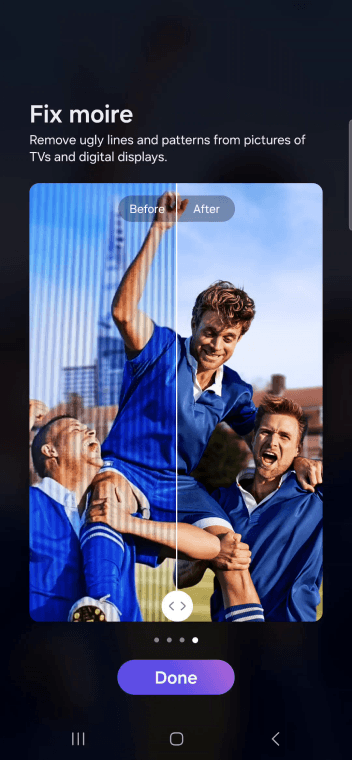
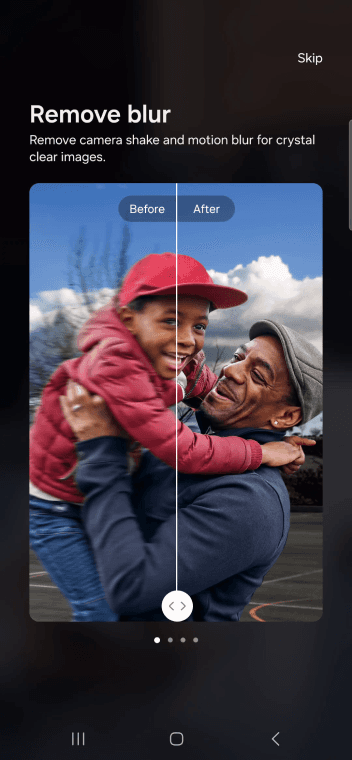
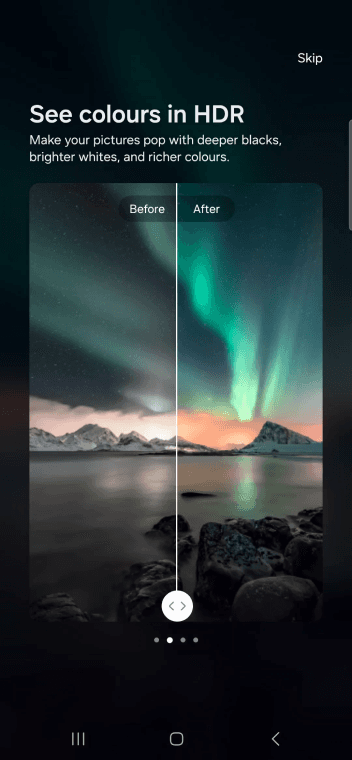
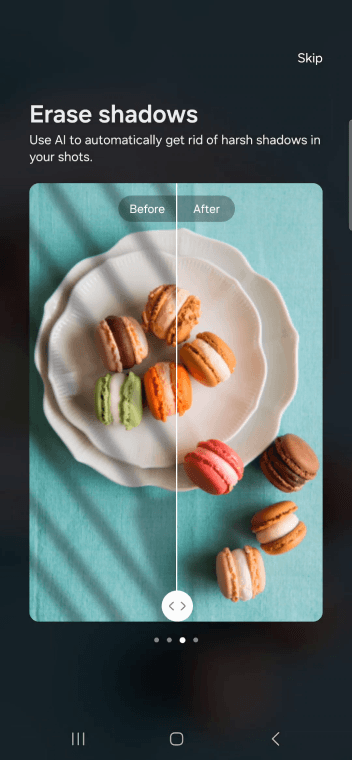
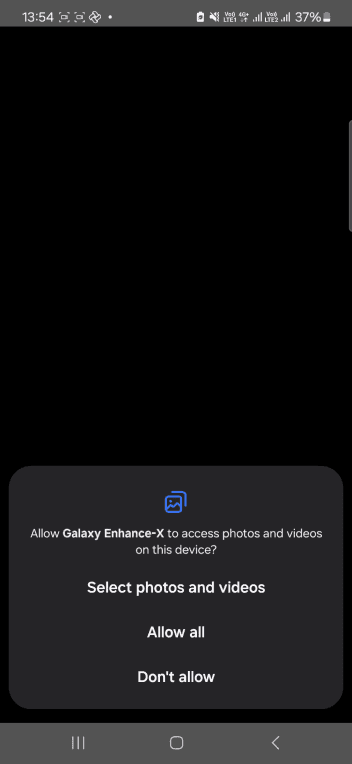
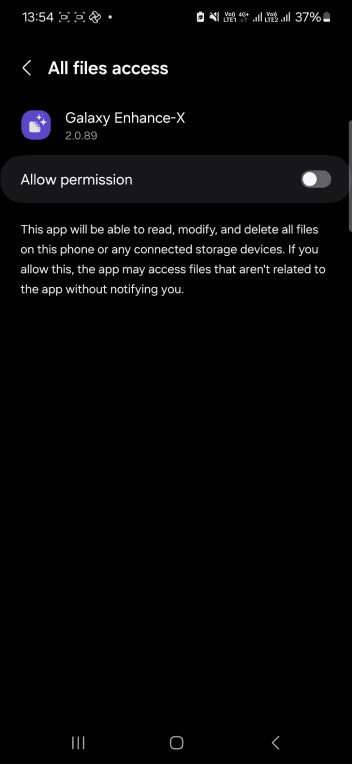
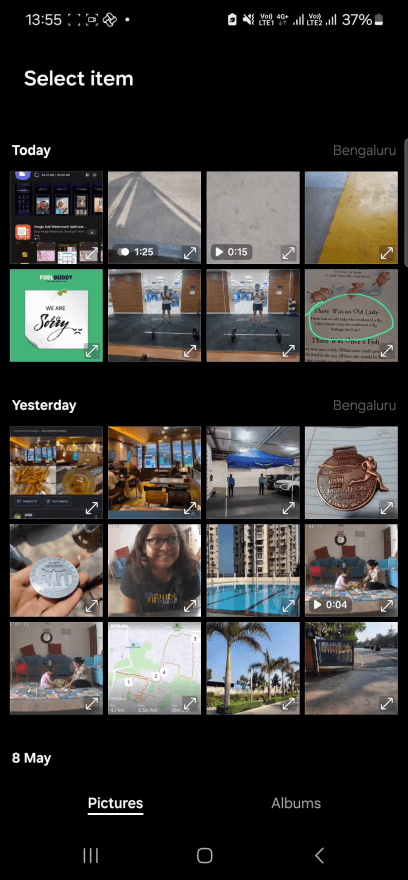
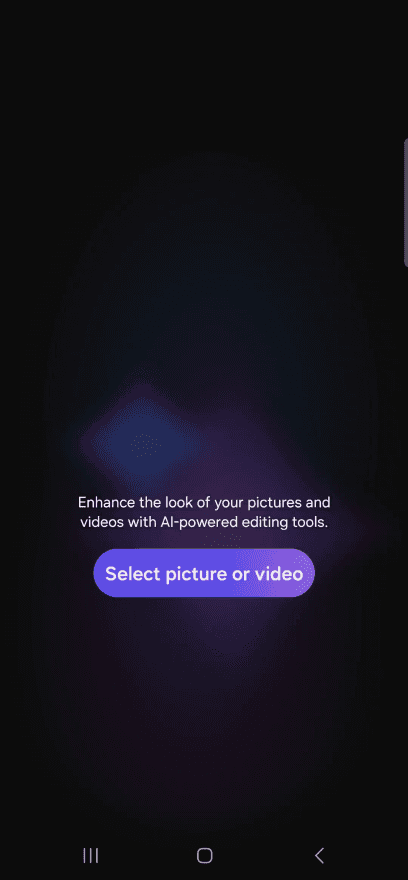

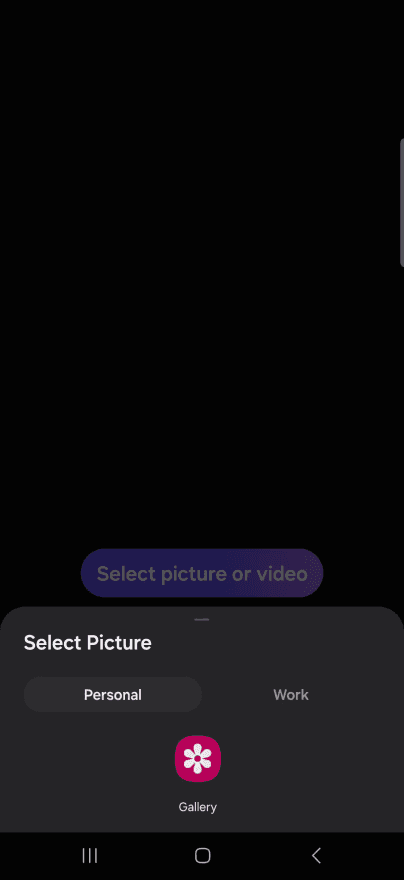
Swipes to move forward
A Skippable on boarding short video that will be played when user reaches landing page.
Fresh users get a quick look at features
Users who are familiar, can skip
Users coming back to app after long time are shown only new features
Modular and scalable solution that can be modified every update
Paginated On boarding screens
Permission screens
Landing page
As is
To be
Gallery picker
Galaxy Enhance X as a UX Design example
Problem statement 2
The size of app with all its feature is large, how can we let users download a personalised version of the app?
Feature list
1.Brighten
2.HDR
3.Sharpen
4.De Noise
5.Increase resolution
6.Fix lens distortion
7.Portrait
8.Face
9.Restore picture
10.Colorize
11.Camera Shift (Model shot)
12.Remove reflection
13.Clean lens
14.Crop & Clean
15.Fix Moire
16.Single take (motion photo)
17.Single take (Video)
18.Video moments
19.Slo mo
20.Remove shadows
21.24 hour timelapse
22.Sky guide
23.Long exposure
24.Single take
25.Magic
26.Dynamix
Face filters/Selfies
1.Face
2.Portrait
3.Restore picture
4.Camera shift (Model Shot)
Video
1.Dynamix
2.Single take video
3.Slow mo
4.Video moments
5.Long exposure
Quick fixes
1.Fix moire
2.Clean lens
3.Remove shadows
4.Fix lens distortion
5.Remove reflection
Landscape
1.HDR
2.Brighten
3.Sharpen
4.Fix blur
5.De noise
6.24hr timelapse
7.Sky guide
Experimental
1.Increase resolution
2.Colorise
3.Crop & clean
4.Single take
Basic
1.Magic
2.HDR
3.Denoise
4.Crop & Clean
5.Face
6.Single take
7.Slo mo
8.Fix moire
Gets installed for all users by default
Galaxy Enhance X as a UX Design example
Recommended solution
Users can install what features they want to enable in the app, so that it can uninstall unwanted features
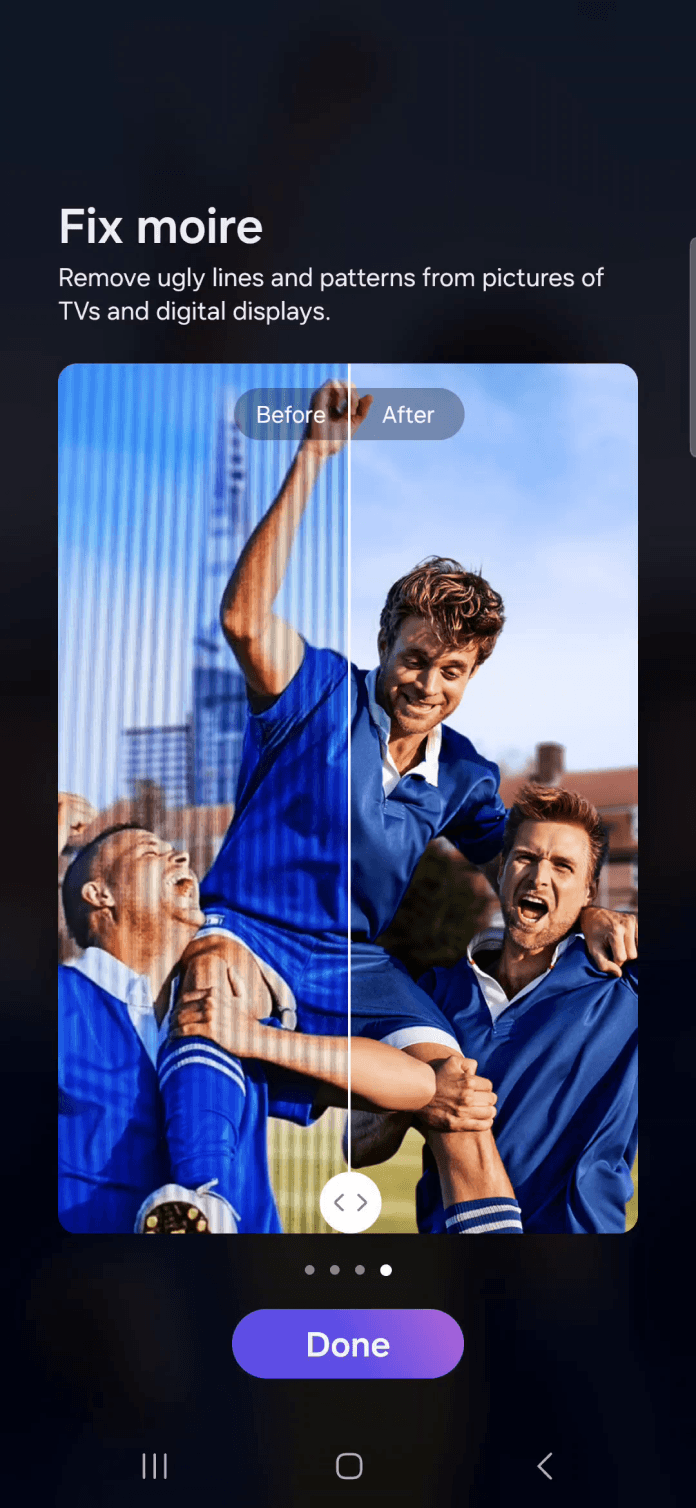
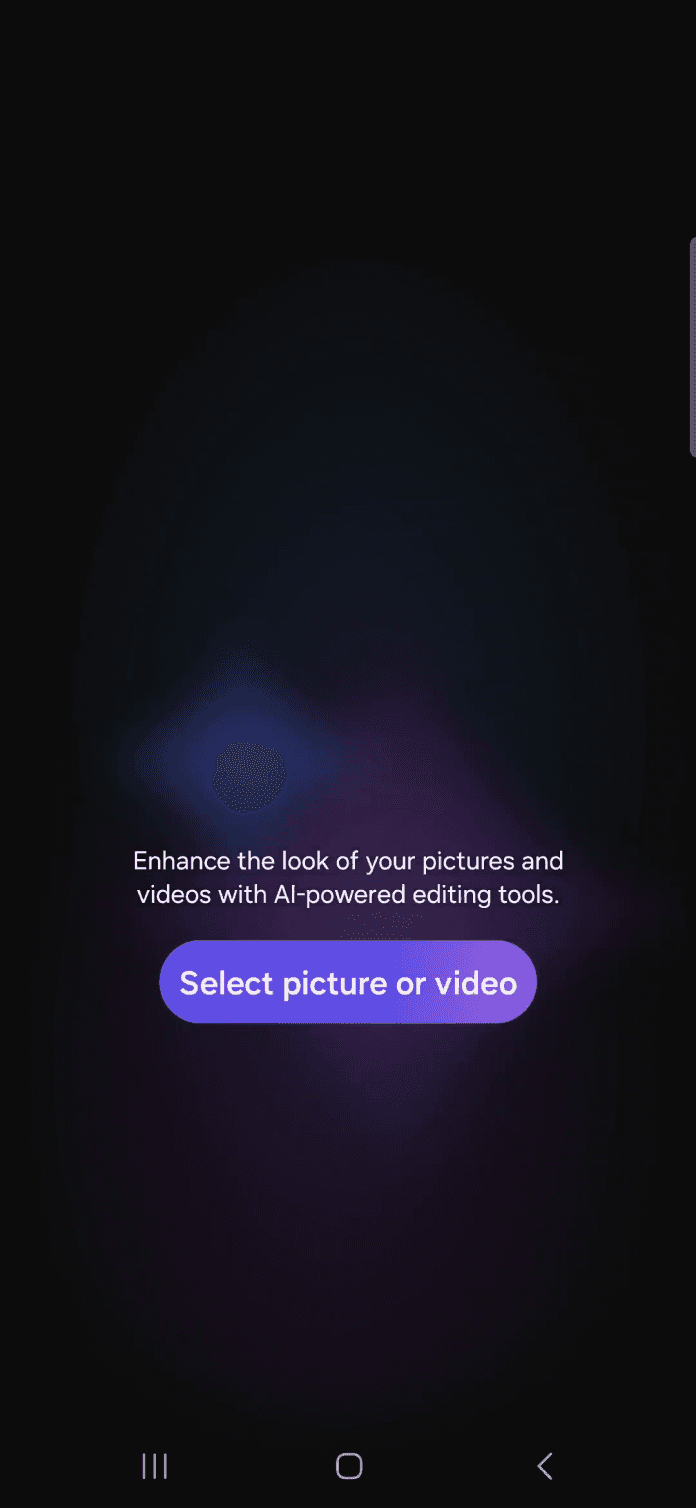
Regular onboarding pages
6/6
Face Filters
Video
Quick fixes
Experimental
Landscape
What brings you to Galaxy Enhance X?
Please select the types of media you want to enhance, this helps us to give you a personalized experience
SKIP
Face Filters
Portrait, Restore picture, Model shot
Video
Quick fixes
Experimental
Landscape
What brings you to Galaxy Enhance X?
Please select the types of media you want to enhance, this helps us to give you a personalized experience
SKIP
The button expands to reveal what features get installed
Basic version of Enhance X gets installed

A & M series commercialization VI (2023-2024)
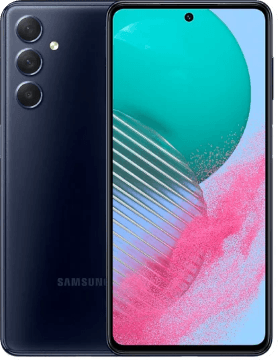
Samsung A Series and M Series are mid – mid high level phones in Samsung’s mobile handset catalogue.
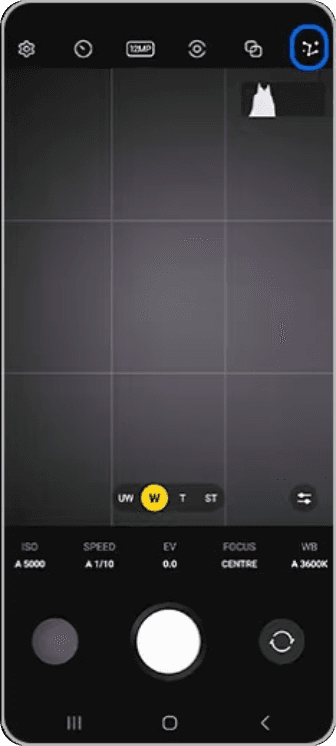
Even in base model of Samsung phones, there are Pro Modes for video as well as photo.
Product lifecycle management (PLM) in camera app for ongoing Samsung A&M series
The PLMs are mostly on the ongoing models, more specifically for the camera app
Learnings :
My involvement in the project helped me understand the value of continuous improvement and maintenance

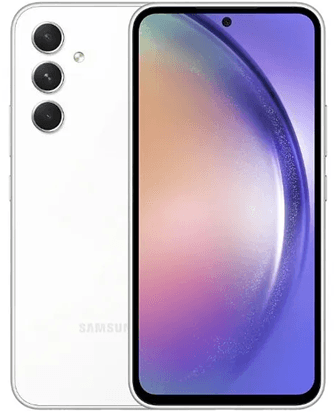
A50
M55